

On-device analysis
Analyzing your photo library doesn't require uploading your files. The app contains no third-party advertising or tracking SDK.
Find duplicate photos and large videos.
Choose what to keep, delete or compress.
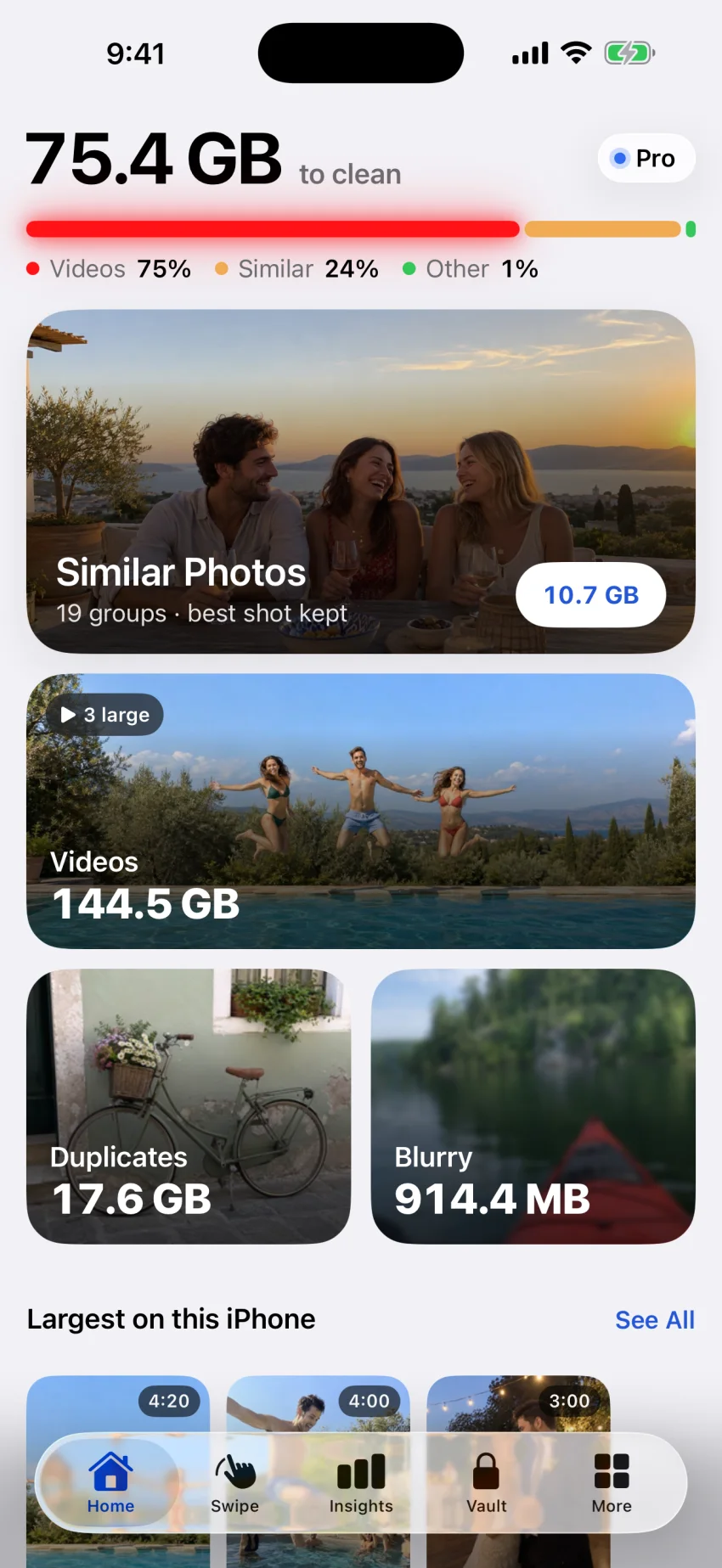
Photos to sort, videos to compress,
contacts to merge: start where you want.
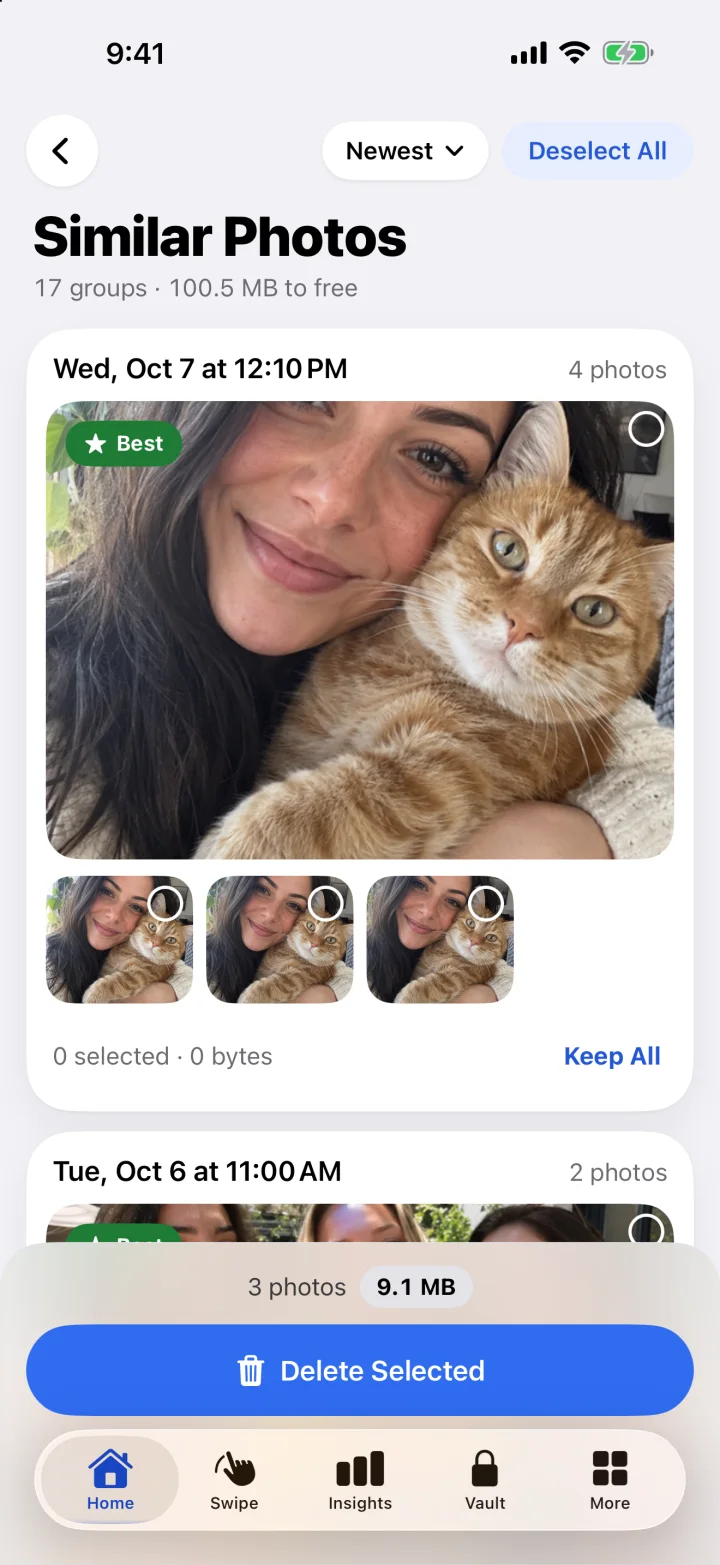
Similar photos and duplicates are grouped for comparison. Choose the shots to keep, then check your selection before deleting the rest.
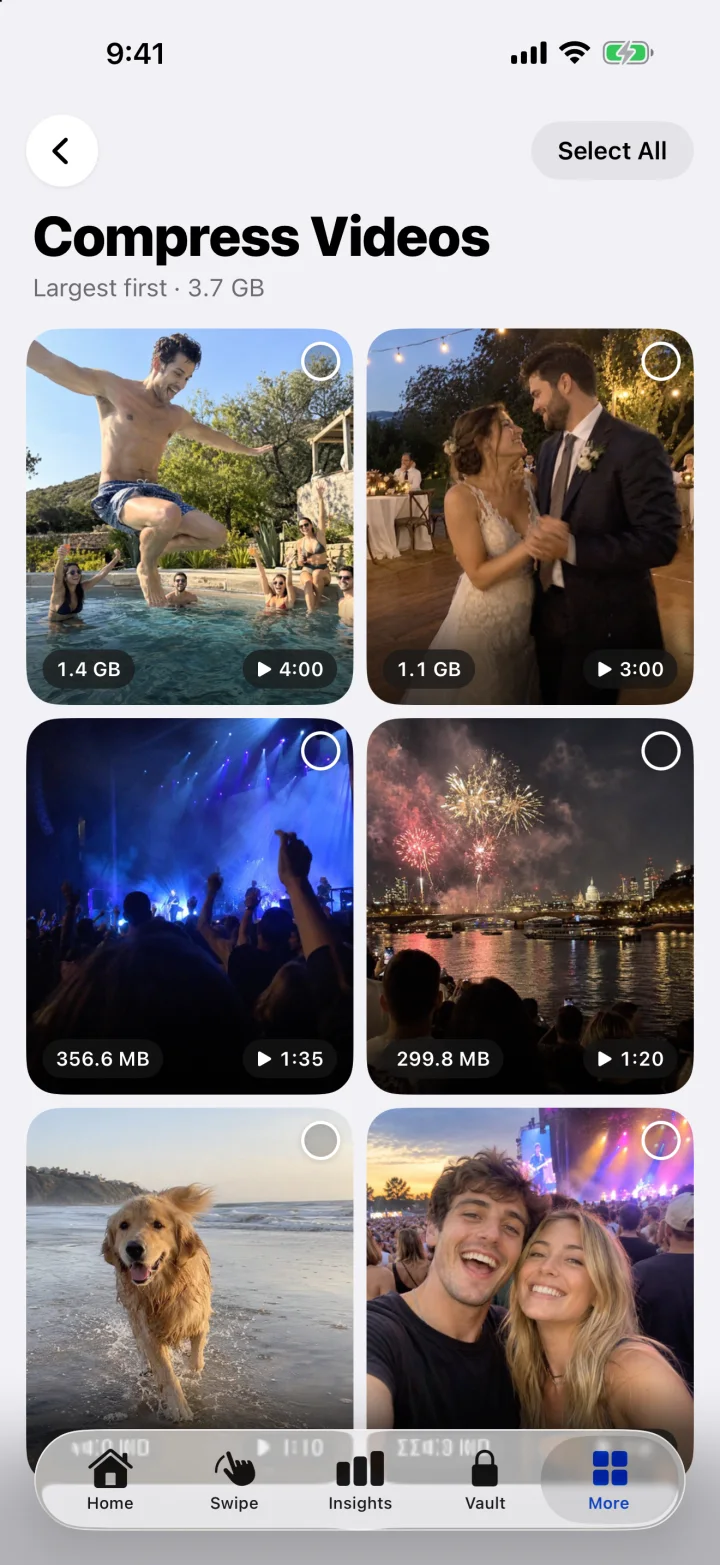
Browse videos by size to start with the largest. Find similar videos, short clips and screen recordings too.
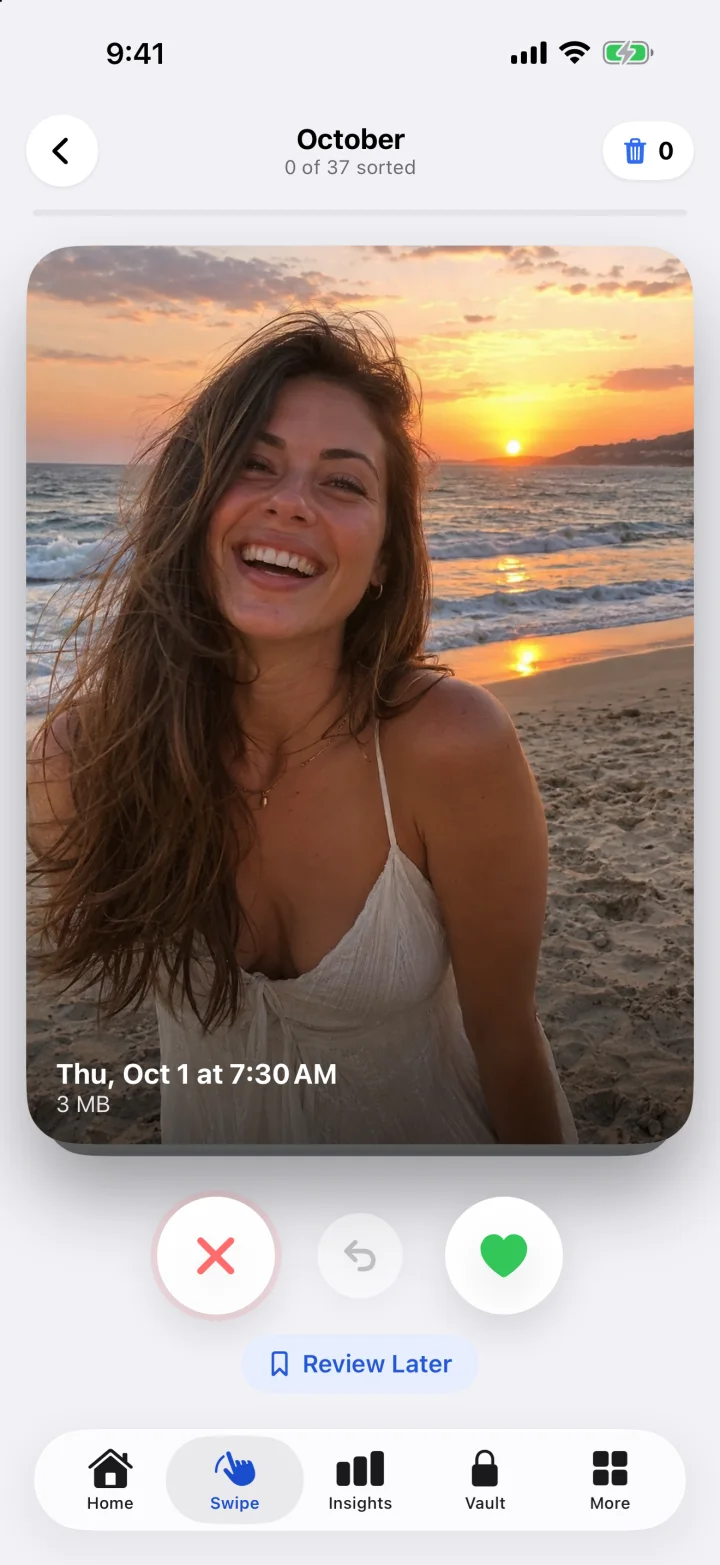
Browse photos and videos month by month. Swipe right to keep, left to discard. Undo your last swipe or pick up sorting later.
Choose from three compression levels and check the estimated size before starting. Keep or replace the originals.
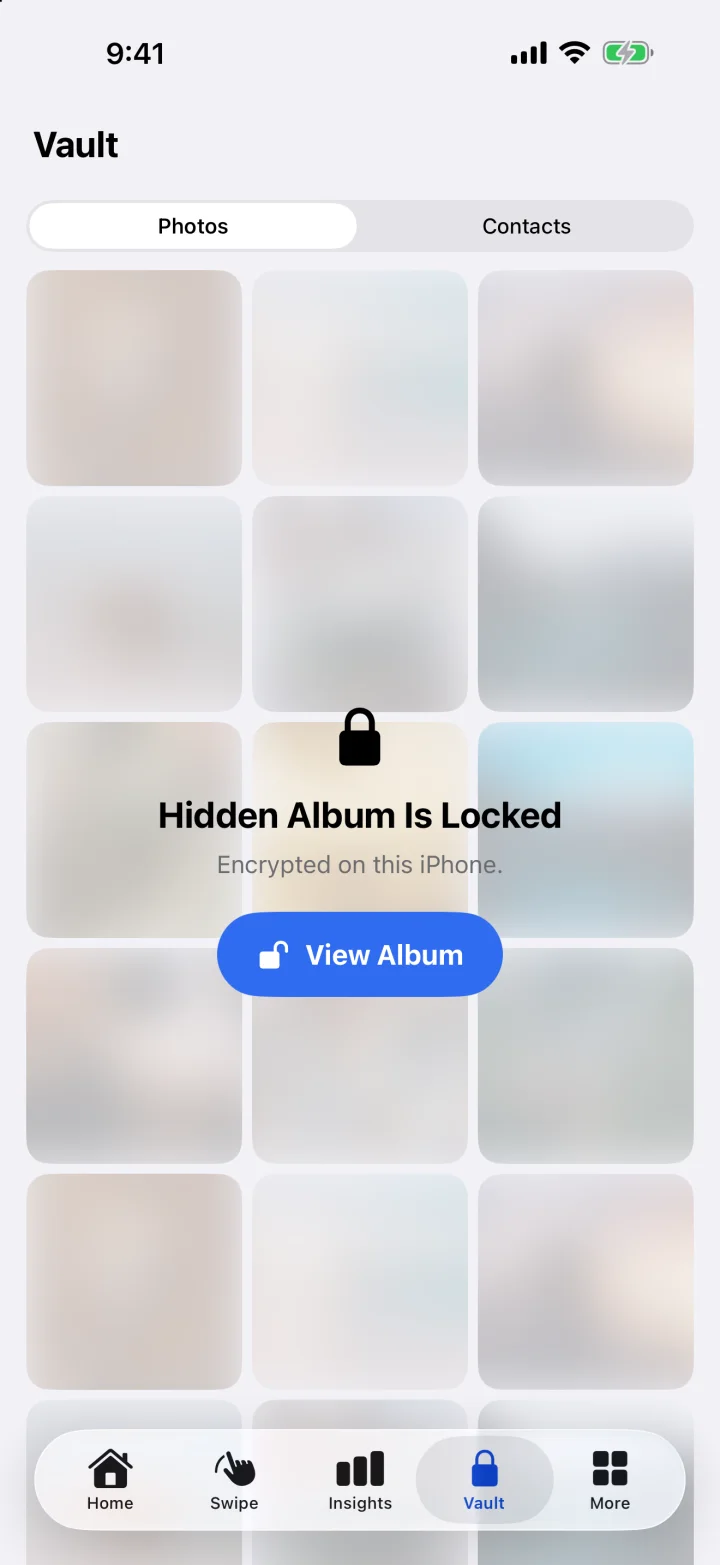
Store photos, videos and contacts in an encrypted vault on your iPhone. Protect access with a passcode and optional Face ID.
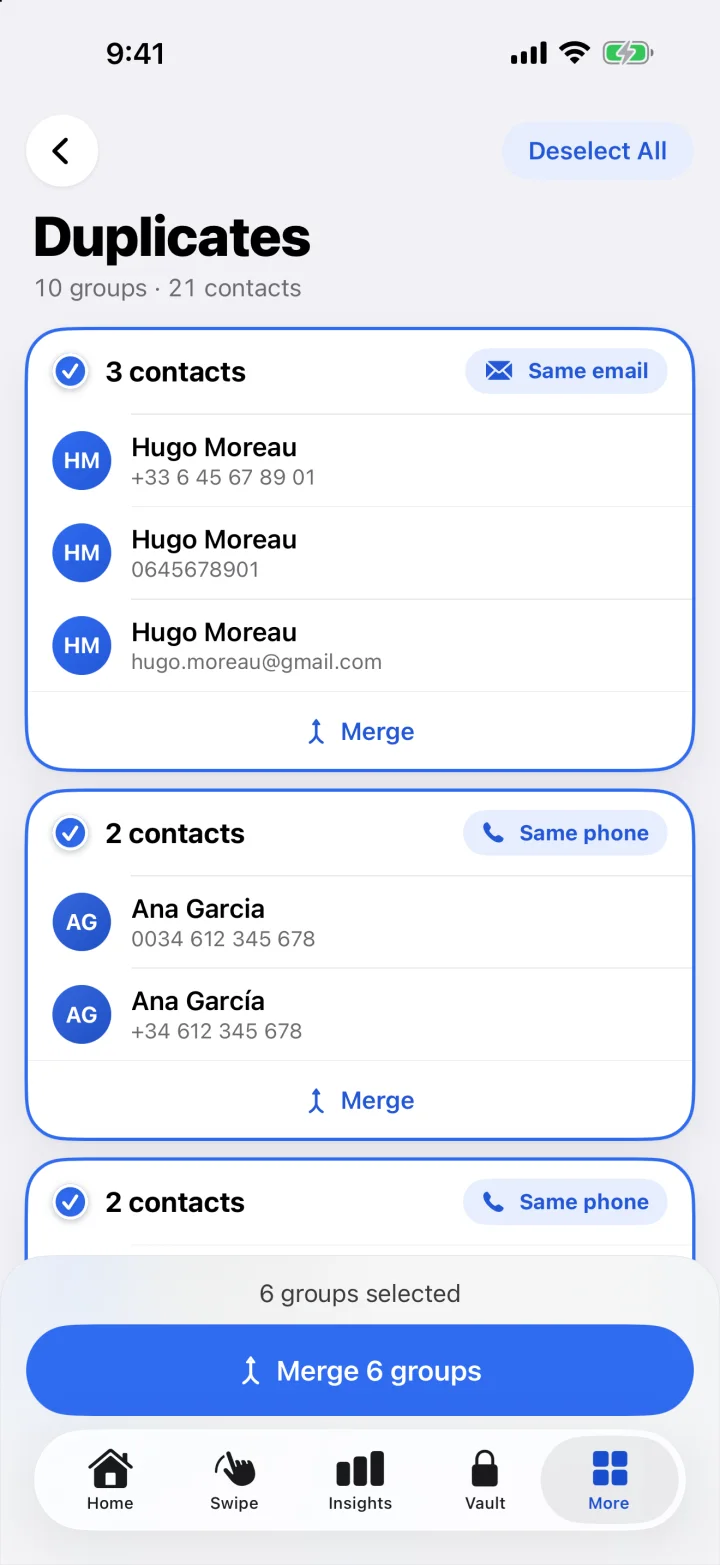
Combine a person's numbers and addresses in one contact. A backup is created before changes; use the history to undo a merge.
Reduce the size of files you want to keep.
Compression works for photos too.
 Your video
Choose a compression level
based on the quality you want to keep.
Examples from the app's visuals. Results depend on the file and selected level. Compression may affect quality.

Try it: keep or discard a photo.
Swipe right to keep a photo, left to discard it. Work at your own pace and pick up where you left off.
Cleanloft processes photos, videos and contacts on your device without sending them to its servers.
Data and privacyAnalyzing your photo library doesn't require uploading your files. The app contains no third-party advertising or tracking SDK.
Photos, videos and contacts encrypted on your iPhone. Access protected by a passcode and optional Face ID.
The vault is not included in iCloud backups.Review your selection before deleting. Favorites and protected albums are not preselected.
A number in one contact, an email in another: bring one person's details together. Cleanloft finds duplicates and incomplete contacts, then makes a backup before changes.
Undo merges from the history.Deletion, subscriptions, privacy:
what to know before you start.
Cleanloft helps remove duplicates, similar photos and media you no longer need: screenshots, blurry photos, large videos and screen recordings. It also compresses photos and videos and merges duplicate contacts. It does not clean iOS system files.
No. Review and change your selection before confirming deletion. In Swipe, discarded items go into a bin for review first. Favorites and protected albums are not preselected.
Library analysis, viewing results and Swipe sorting are free. Cleanloft Pro is required to delete, compress, use the vault and merge contacts. Subscription prices and terms are shown in the app before purchase.
Cleanloft analyzes photos, videos and contacts on your iPhone without sending them to its servers. Apple and RevenueCat handle purchases and subscriptions. The app has no third-party advertising or tracking SDK.
Deleted media moves to Recently Deleted in Photos for up to 30 days. To free up storage immediately, you can empty that album in Photos; this final step is permanent.
Compression trades off size and quality. Cleanloft offers three levels and shows an estimate before starting. Keep the original to compare files. Savings depend on the media and selected level.
No. The vault is stored and encrypted on this iPhone and excluded from iCloud backups. Restore your items to Photos before switching iPhones or deleting Cleanloft.

Analyze your photo library for free with Cleanloft.
Cleanloft Pro is required to delete, compress, use the vault and merge contacts.
Prices and any trial offers are shown before purchase.